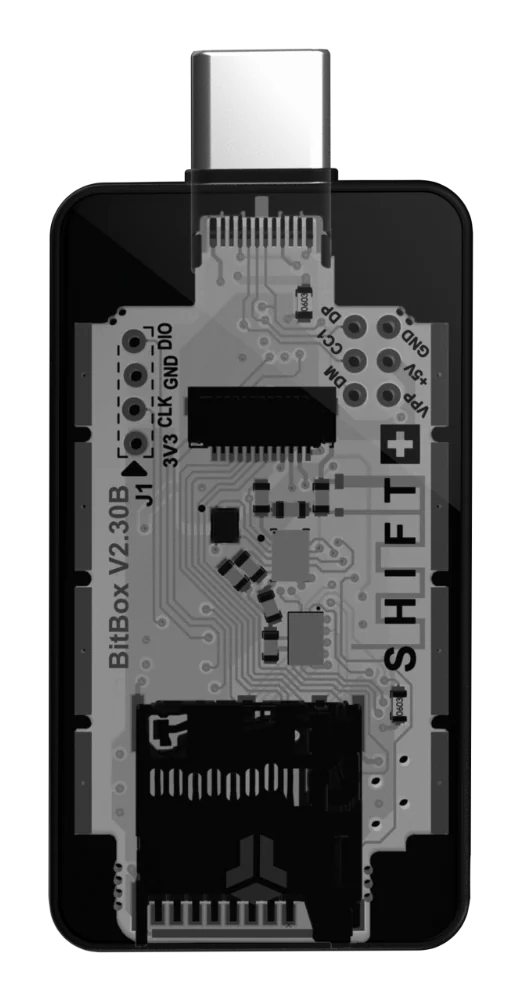
Trezor Safe 5 Bitcoin-only and BitBox02 Bitcoin-only both remove altcoin distractions, but they ask beginners to trust different workflows: touchscreen versus edge gestures, written wallet-backup cards versus microSD backup, and different companion-app paths for verification.
Why a Bitcoin-Only Hardware Wallet Matters
Self-custody means you — and only you — hold the keys to your bitcoin. A hardware wallet keeps those keys on a dedicated device that never exposes them to your computer or phone. Both the Trezor Safe 5 Bitcoin-only and the BitBox02 Bitcoin-only take this a step further: they ship firmware that supports nothing except Bitcoin. No altcoin menus, no token-swap screens, no unnecessary code paths. For a beginner, this focus removes confusion and narrows the surface area you need to understand.
Choosing between these two devices is not about which one is safer in some abstract sense. Both follow the same core principle: your private keys stay on the device, transactions are verified on the device, and recovery information is generated on the device. The real question is which interaction model and backup workflow you prefer. That is what this guide covers, drawing only on what each manufacturer documents on its official product and companion-app pages.
Interface and Interaction: Touchscreen vs Touch Gestures
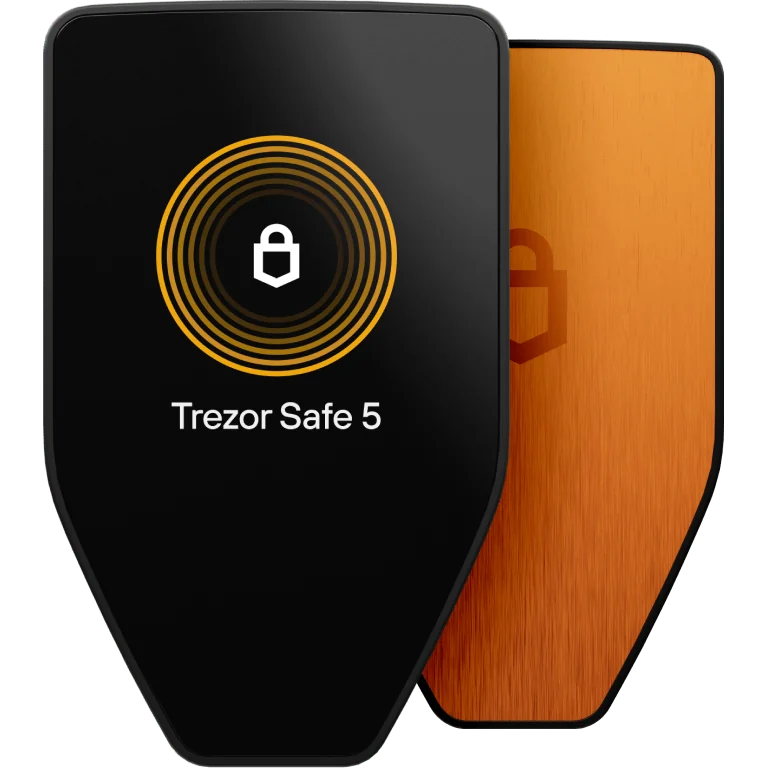
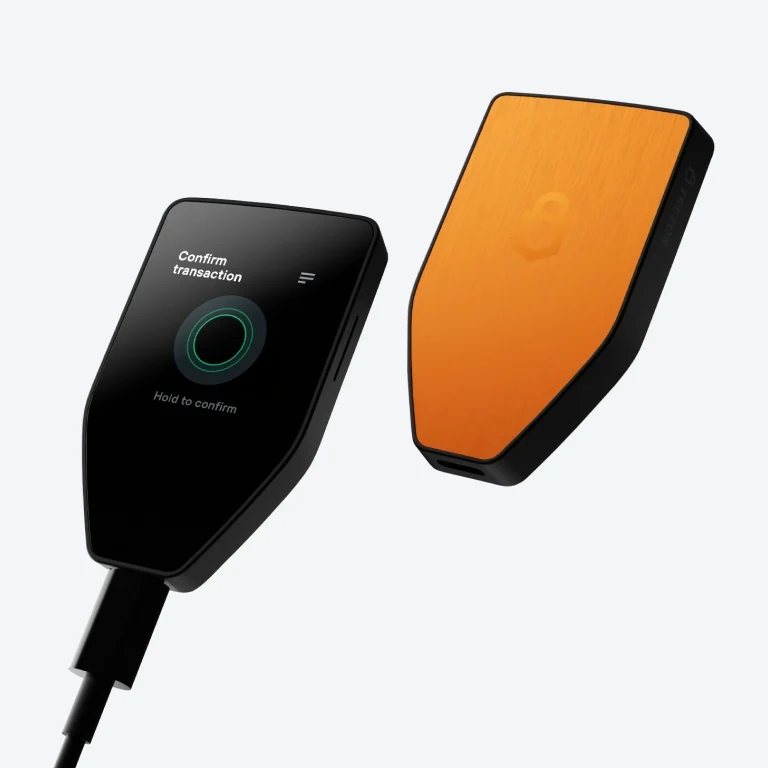
The Trezor Safe 5 Bitcoin-only features a color touchscreen. According to the official Trezor product page, the device uses this screen for everything from confirming transaction details to entering and verifying your wallet backup words. Because the screen is touch-enabled, you tap directly on the display to navigate menus, confirm addresses and approve sends. For someone accustomed to smartphone interactions, this model feels immediately familiar.
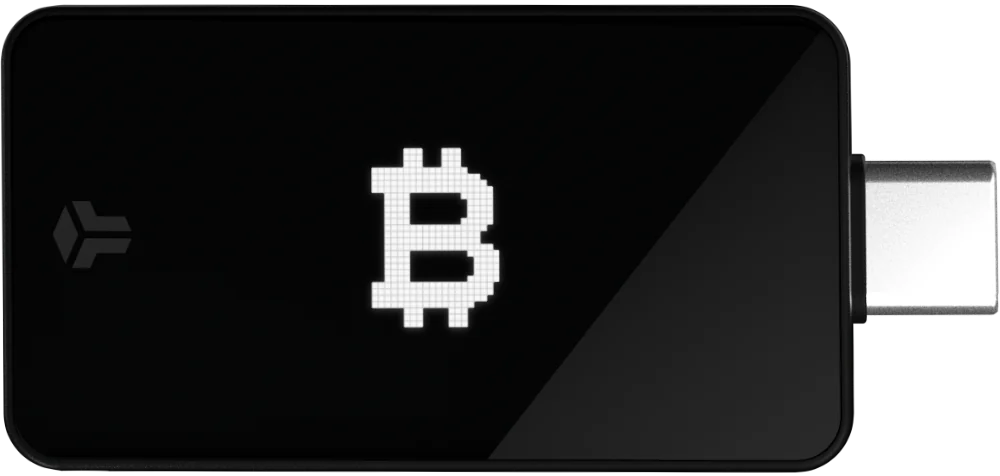
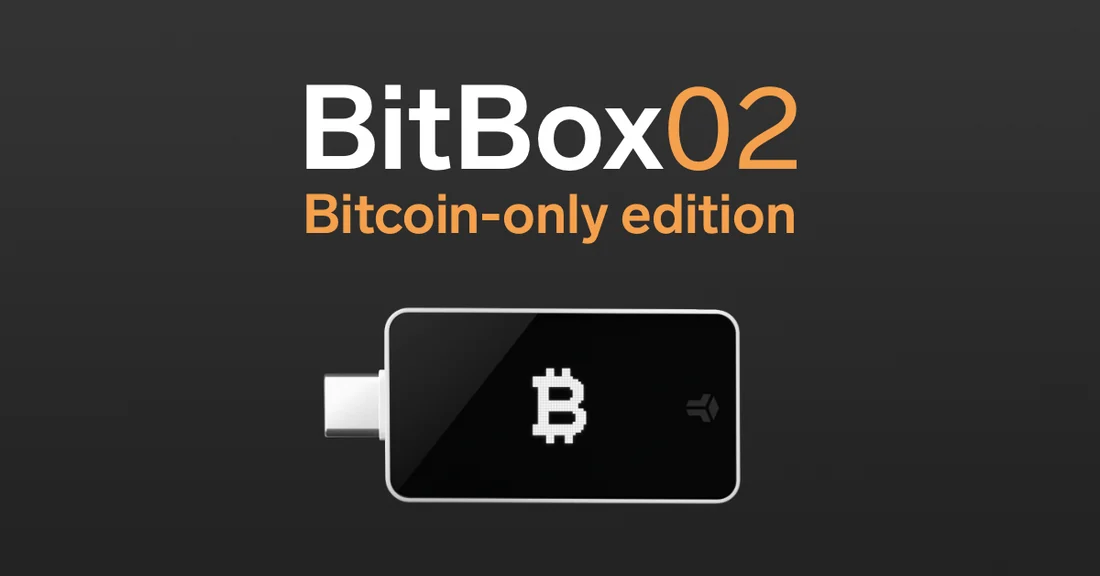
The BitBox02 Bitcoin-only takes a different approach. Its official product page describes capacitive touch sensors along the edges of the device, which respond to taps, slides and holds. You interact by sliding to scroll, tapping to select and holding to confirm. There is no full touchscreen; instead, a small display shows the information you need to verify. This minimalist input method keeps the hardware compact, but it does require a brief learning curve as you adjust to gesture-based navigation rather than on-screen tapping.
Backup and Recovery: What Each Path Really Asks You to Maintain
Backup is the part of self-custody that survives the device. The Trezor Safe 5 Bitcoin-only product page lists 12-, 20- and 24-word wallet backups plus Advanced Multi-share Backup, while the Safe 5 setup documentation describes blank 20-word wallet-backup cards that the user fills during setup. The practical point is not that a word backup is automatically safer or more portable in every scenario; it is that the owner must preserve readable recovery information offline and understand the exact recovery flow before storing meaningful savings. Sensitive word entry and confirmation belong on the hardware device, not in a desktop, browser or phone field.
The BitBox02 Bitcoin-only presents a different default habit: the official product page frames microSD as an instant backup and recovery method, while also mentioning optional written recovery words. That can be attractive because a backup file is not readable at a glance like exposed words on paper. It also changes what the owner needs to think about: the microSD card itself becomes a critical object, and anyone choosing that path should still understand the optional recovery-word path before assuming the card alone answers every portability question. For beginners, the right comparison is not paper versus card as a slogan; it is which recovery method they can test, protect and explain under stress.
Companion Software and Verification Surface
A hardware wallet does not remove the need for companion software. Trezor Safe 5 pairs with Trezor Suite for portfolio views, receive flows, sending, firmware updates and guided setup. The Safe 5 remains the place where sensitive actions are confirmed, but the app still shapes what the beginner sees, how easily addresses are checked and how calmly a firmware or setup step is completed. In this comparison, Trezor Suite's strongest sourced advantage is the guided, polished management experience around the device, while the device confirmation screen remains the security boundary for transaction approval. That matters when a first-time owner wants fewer settings to interpret during a safe setup.
BitBox02 Bitcoin-only pairs with BitBoxApp, and the listed BitBox sources explicitly document a desktop-app path for connecting to a user full node. They also describe privacy and control features such as Tor and coin control, which overlap with some privacy language in Trezor's product materials rather than creating a simple one-sided advantage. The narrower difference beginners can rely on from this source set is the documented BitBoxApp full-node path. Private keys stay on the hardware device in both cases, while network data, address handling and transaction construction still depend on the companion-app workflow the user actually runs. A buyer should therefore compare not just device hardware, but the verification habits each software stack encourages.
Authenticity and First-Use Verification
Before trusting any hardware wallet with real bitcoin, you want assurance that the device you received is genuine. Official Trezor documentation describes an authenticity verification step during the Safe 5 setup process that helps verify device genuineness before first use. This check runs through Trezor Suite and involves cryptographic communication between the device and Trezor's infrastructure. It is a meaningful first line of defense, though no single check can guarantee a device was not physically altered — storing bitcoin in small increments at first is a common-sense complement.
The BitBox02 Bitcoin-only product page similarly describes a verification process built into the BitBoxApp setup flow. When you first connect the device, the app communicates with the hardware to confirm it is a genuine BitBox02. Both manufacturers treat this step as essential rather than optional, and both walk beginners through it automatically during initial setup. Neither device requires you to trust a third-party tool for this verification; it happens within the official companion software. After that first-use check, the ongoing habit is the same for both products: read the receiving address or transaction details on the hardware wallet, keep the backup separate from the computer, and pause when the companion app asks for something the device screen does not clearly confirm. Authenticity checks reduce one setup risk; careful on-device verification reduces the recurring risk of approving the wrong action later. That habit matters more than any single onboarding claim.

Which Device Fits Your Self-Custody Goals
Choose the Trezor Safe 5 Bitcoin-only if the main risk you are trying to reduce is beginner confusion. Its color touchscreen, haptic interaction and guided Suite flow make verification feel closer to familiar consumer electronics, while the wallet-backup-card workflow is direct and visible. That does not remove the responsibility to store recovery information safely, test the process and keep the device firmware path disciplined. It simply means the learning curve is likely to feel smoother for someone who wants a dedicated Bitcoin-only device without immediately optimizing every privacy and node-connectivity setting.
Choose the BitBox02 Bitcoin-only if you prefer a smaller device, are comfortable learning edge-touch gestures and like the idea of a microSD-first backup workflow with optional written recovery words. It is also the clearer fit for a buyer who already cares about BitBoxApp's documented own-node path, or expects to grow into that verification habit. Both wallets can be serious Bitcoin self-custody tools. The better choice is the one whose backup method, verification surface and day-to-day confirmation flow you can maintain for years rather than the one that sounds strongest in an abstract comparison. In Bitcoin custody, reliable maintenance beats novelty over time.