Long-term cold storage demands more than a secure chip. This guide compares the Trezor Safe 5 Bitcoin-only, BitBox02 Bitcoin-only and Blockstream Jade Plus on recovery mechanics, companion-app trust and verification paths so beginners can choose with confidence.
Why Long-Term Cold Storage Is a Different Problem
Most wallet comparisons focus on daily spending convenience: how quickly you can scan a QR code, how slick the companion app feels, how many assets the device supports. Long-term cold storage inverts those priorities. A device you plan to use for years—possibly touching it only a few times annually—needs a recovery path you understand completely, a backup method you trust to survive a house fire or a decade of neglect, and a verification surface that does not silently defer to a third-party server. Complexity is the enemy here, not because simplicity is always better, but because every feature you do not understand becomes a liability when you need to recover funds five years from now.
This guide compares three hardware wallets through that lens: the Trezor Safe 5 Bitcoin-only, the BitBox02 Bitcoin-only and the Blockstream Jade Plus. Our methodology centers on Bitcoin-first self-custody, reduced altcoin bloat, transparent backup assumptions, verification paths and long-term cold-storage fit. Jade Plus is Bitcoin-aligned and supports Bitcoin and Liquid rather than being purely Bitcoin-only; we note that nuance plainly rather than excluding it. None of these devices is objectively best for every person. The goal is to help you understand what each backup path depends on, what each companion app does or does not verify, and why those differences matter when your bitcoin may sit untouched for years.
Backup and Recovery Assumptions Compared
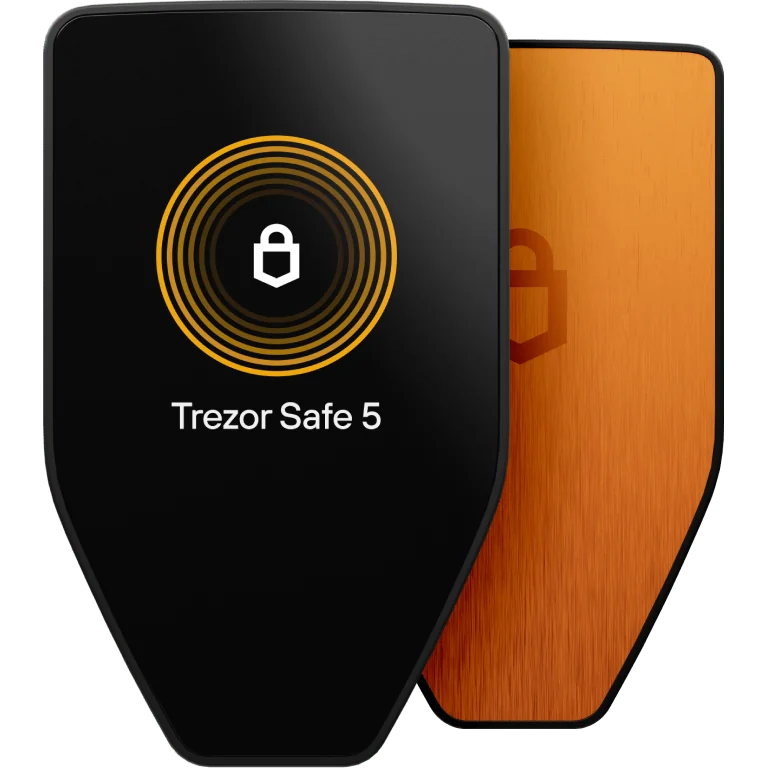
The Trezor Safe 5 Bitcoin-only supports 12-, 20- and 24-word wallet backups as well as an Advanced Multi-share Backup option. During setup, sensitive word entry and confirmation happen on the hardware device itself, not on a desktop or phone screen. This means your recovery phrase never needs to appear on a networked computer. The multi-share approach lets you split backup responsibility across multiple locations or trusted parties, which can reduce single-point-of-failure risk for long-term holders. The key assumption you carry forward is that your written words—or shares—must survive physically and remain accessible to you or your heirs.
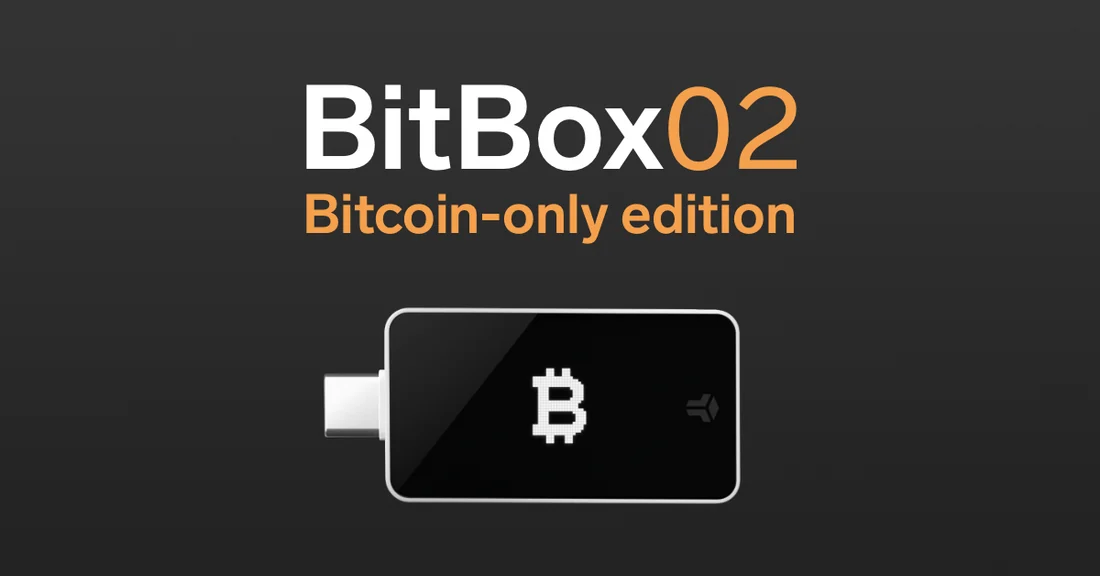
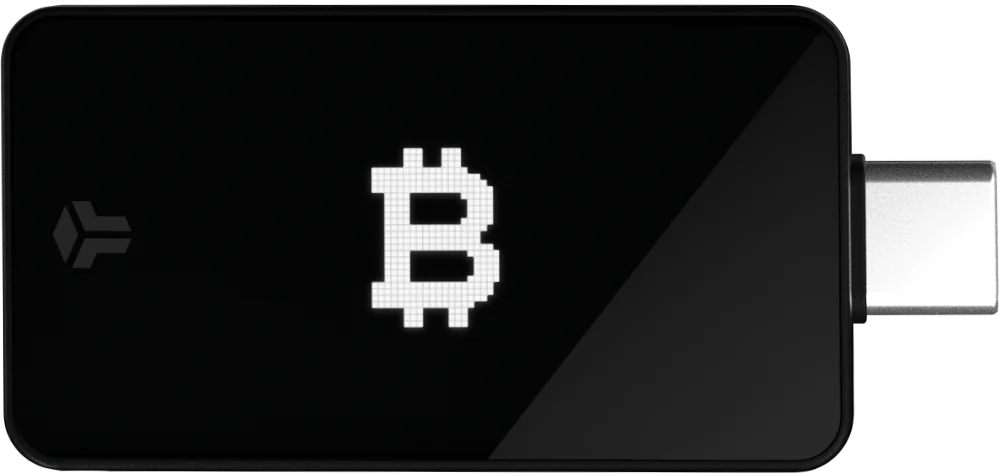
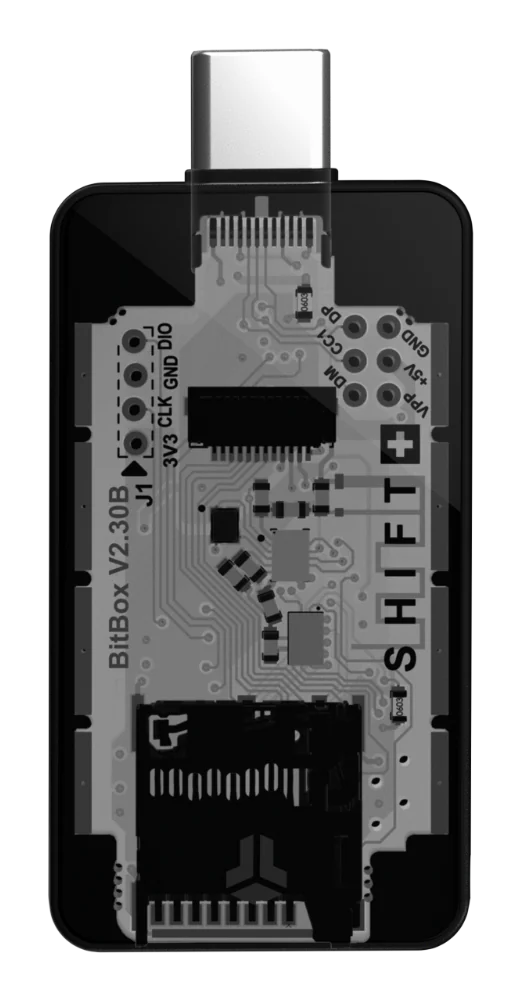
The BitBox02 Bitcoin-only takes a different default path: instant backup and recovery with a microSD card, plus the option to write down recovery words separately. The microSD workflow means your first backup is created automatically during setup without requiring you to transcribe words under pressure. However, you should understand what this path depends on: the microSD card is a physical object that can fail, be lost or be destroyed, so redundancy planning still matters. The optional written recovery words give you a second, independent backup vector. For the Blockstream Jade Plus, the official product documentation explains that a recovery phrase is generated during setup and must be written down; regaining access if the device is lost, stolen, reset or inaccessible depends on that phrase. All three devices ultimately anchor to a recovery phrase, but the default workflows and the assumptions they carry differ meaningfully.
Companion-App Trust and Verification Paths
A hardware wallet does not operate in isolation. It communicates with a companion app that constructs transactions, queries the Bitcoin network for your balance and broadcasts signed transactions. The trust you place in that companion app—and in the network infrastructure it connects to—is part of your security surface. The BitBox02 Bitcoin-only integrates with BitBoxApp, which supports Electrum-based full-node setups and Tor connectivity. This means a user who runs their own Bitcoin node can verify transactions and balances independently, without trusting the wallet vendor's servers for network data. That verification path materially changes the privacy and trust surface for long-term holders who want to confirm their funds without leaking address data to third parties.
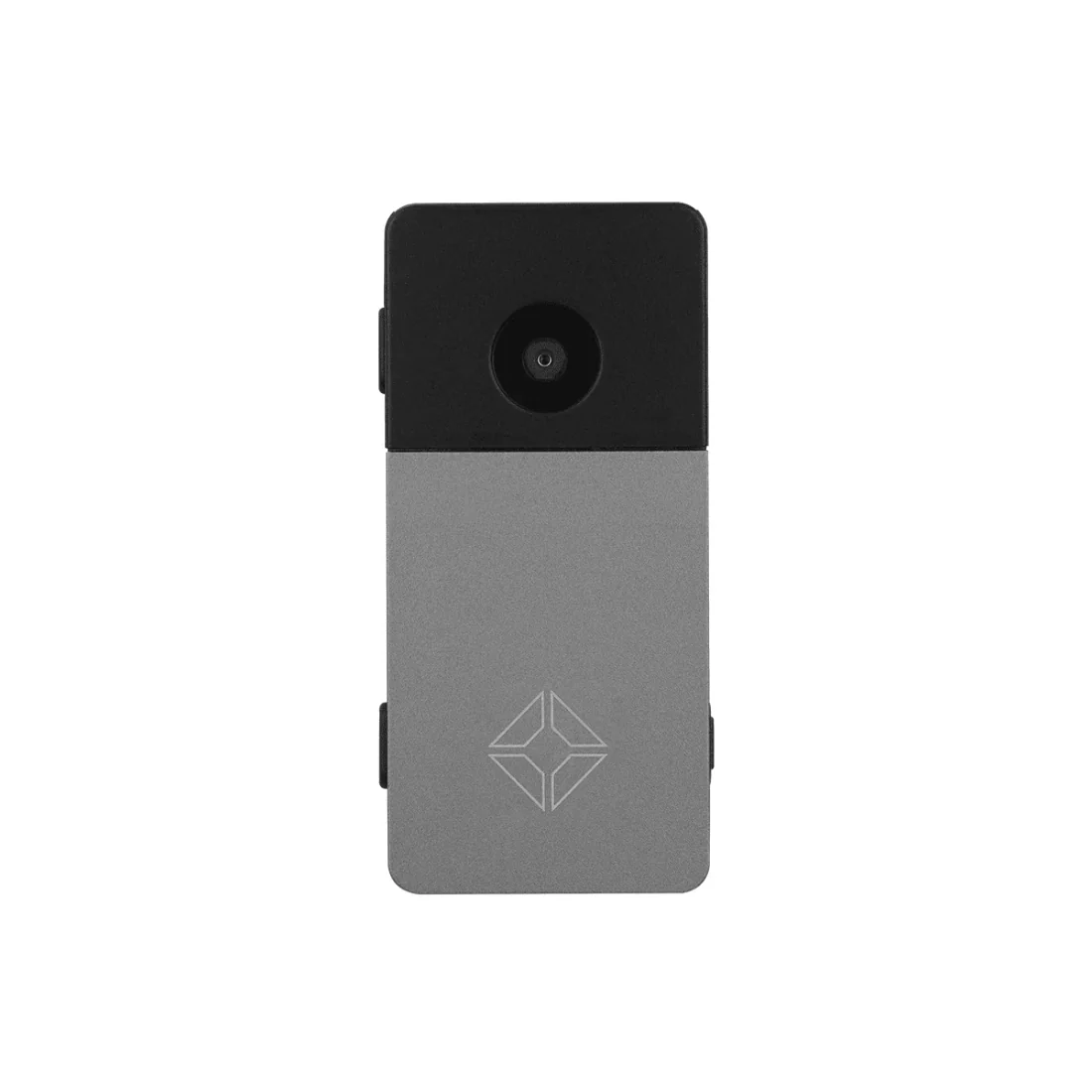
The Trezor Safe 5 Bitcoin-only works with Trezor Suite and is also compatible with third-party wallet apps. The listed source context for this comparison does not detail Trezor Suite's own-node connectivity options, so we cannot make symmetrical claims about full-node verification for both products. If independent network verification matters to you, research the current state of Trezor Suite's backend architecture or consider pairing the Safe 5 with a compatible third-party wallet that connects to your own node. The Blockstream Jade Plus supports air-gapped interaction using QR codes for Bitcoin transactions, which means the device never needs a direct USB or Bluetooth connection to a networked computer during signing. QR mode supports Bitcoin transactions only; Liquid transactions require USB or Bluetooth. Air-gapped signing is a strong verification path because it physically separates the signing device from the internet.
Interface, Input and On-Device Confirmation
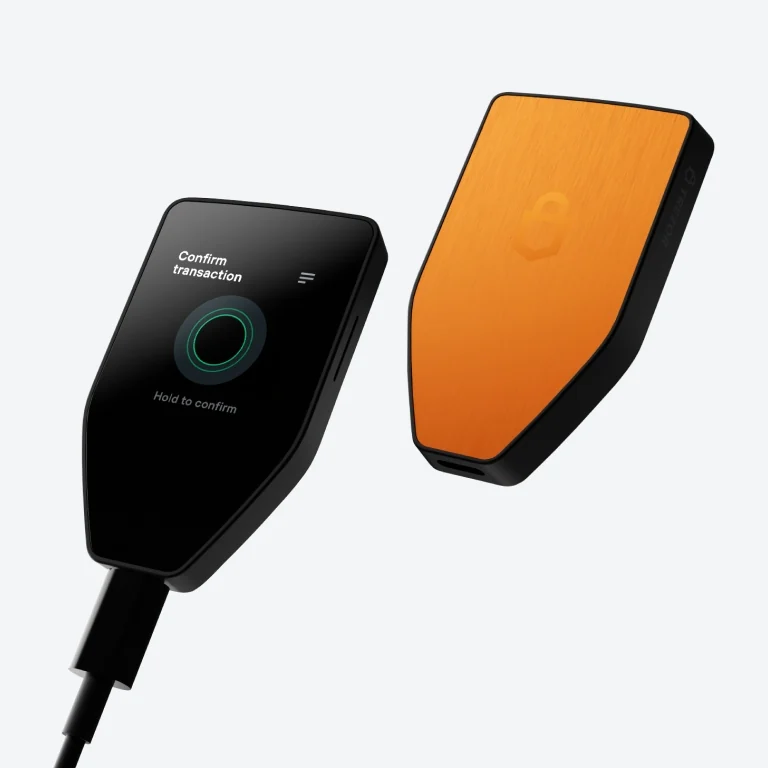
For a device you may use infrequently, the interface needs to be legible and trustworthy rather than fast. The Trezor Safe 5 Bitcoin-only features a 1.54-inch color touchscreen with haptic feedback and on-device confirmation. You verify transaction details—addresses, amounts—directly on the device screen before authorizing a signature. This on-device confirmation is critical for long-term cold storage because it means you are not trusting a potentially compromised computer screen to show you the correct transaction. The touchscreen and haptic response help reduce input errors during the infrequent but high-stakes moments when you do interact with the device.
The BitBox02 Bitcoin-only uses capacitive touch sensors for input, offering a different tactile interaction model. The BitBoxApp includes a genuine-check flow that helps verify device authenticity before first use, plus features like coin control and unified Bitcoin accounts. The Blockstream Jade Plus, when used in air-gapped QR mode, supports Bitcoin address verification, PSBT signing and SeedQR functionality through its camera-based workflow. Each approach has trade-offs: a touchscreen offers more visual feedback, capacitive touch gestures keep the form factor minimal, and QR-based workflows eliminate cable connections entirely. For long-term cold storage, the most important question is whether you can confidently verify what you are signing on the device itself, regardless of the input method.
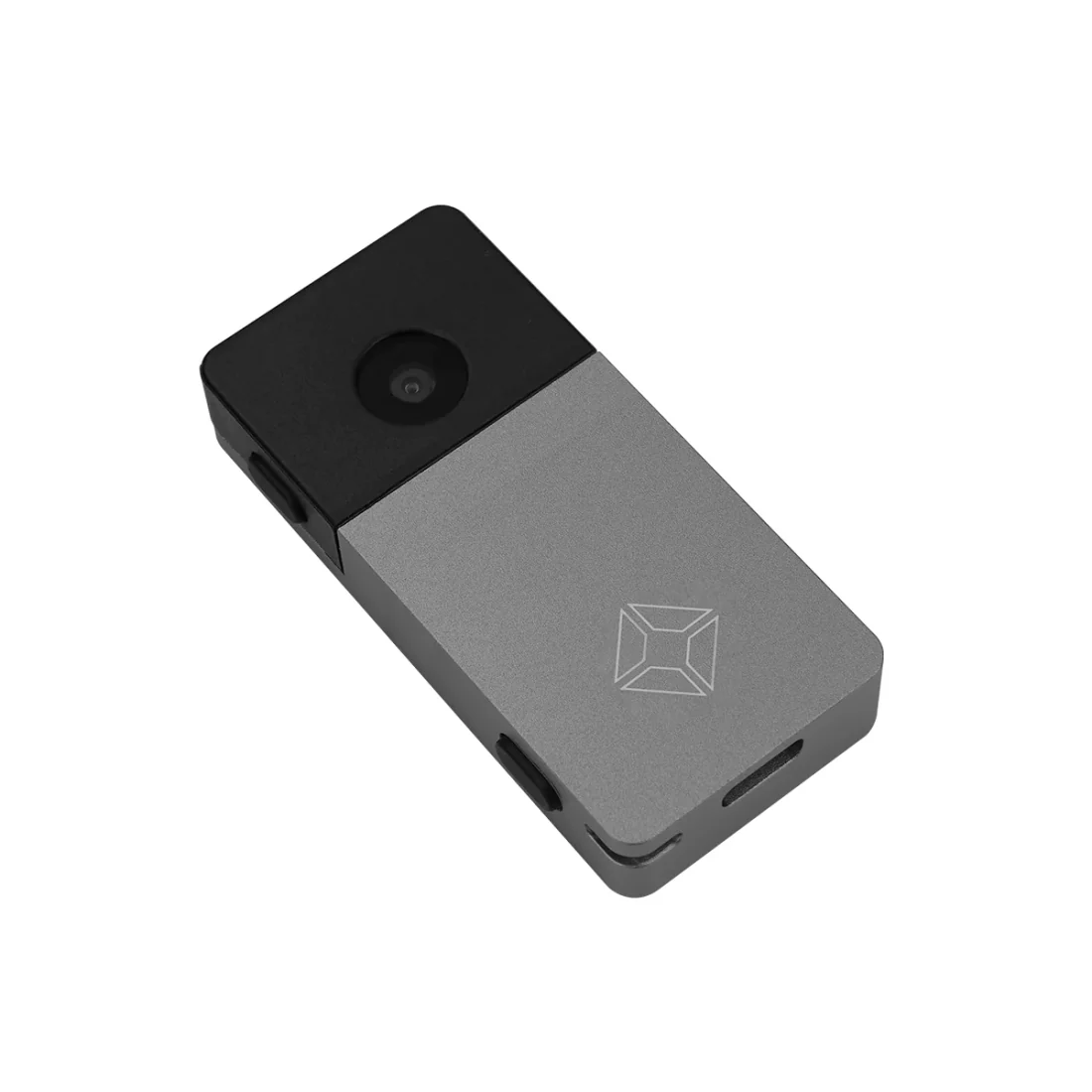
Choosing by Use Case: Which Wallet Fits Your Cold-Storage Plan
If your priority is a premium on-device experience with flexible backup options, the Trezor Safe 5 Bitcoin-only offers the color touchscreen, haptic confirmation and the choice between standard word-based backups and Advanced Multi-share Backup. The multi-share option is particularly relevant for long-term holders thinking about inheritance or geographic distribution of backup material. If you want to explore how the Safe 5 compares head-to-head with the BitBox02 on specific features, our Trezor Safe 5 Bitcoin-only vs BitBox02 Bitcoin-only comparison goes deeper into those details.
If you value a streamlined microSD backup as your default workflow and want verified full-node connectivity through BitBoxApp, the BitBox02 Bitcoin-only reduces the friction of initial backup creation while preserving the option to write down recovery words as a secondary safeguard. If air-gapped operation appeals to you—signing transactions with no physical connection to a computer—the Blockstream Jade Plus with its QR-based Bitcoin workflow deserves serious consideration, with the understanding that it supports Bitcoin and Liquid rather than being exclusively Bitcoin-only. After purchasing any of these devices, the next critical step is actually moving your bitcoin off an exchange. Our guide on buying bitcoin on Binance and withdrawing to self-custody walks through that process. You can also browse our full wallet comparison library for additional context.

What to Verify Before You Commit
Before choosing a wallet for long-term cold storage, test your own understanding of the recovery path. Can you explain, without looking anything up, how you would restore your bitcoin if the device broke tomorrow? If the answer is uncertain, that is the gap to close before sending significant funds to the device. For the Trezor Safe 5, that means understanding your chosen word-count backup or multi-share configuration. For the BitBox02, it means knowing where your microSD backup is stored and whether you also have written recovery words. For the Jade Plus, it means confirming your written recovery phrase is complete and securely stored.
Long-term cold storage is not a set-and-forget proposition.